Gordon
Gordon is an AI-powered assistant that takes action on your Docker workflows. It analyzes
your environment, proposes solutions, and executes commands with your
permission. Available in Docker Desktop and via the docker ai CLI command.
What Gordon does
Gordon takes action to help you with Docker tasks:
- Explains Docker concepts and commands
- Searches Docker documentation and web resources for solutions
- Writes and modifies Dockerfiles following best practices
- Debugs container failures by reading logs and proposing fixes
- Manages containers, images, volumes, and networks
Gordon proposes every action before executing. You approve what it does.
Get started
Prerequisites
Before you begin:
- Docker Desktop 4.61.0 or later
- Sign in to your Docker account
NoteGordon is enabled by default for Personal, Pro, and Team subscriptions. Business subscribers must complete two steps before users can access Gordon:
- Contact Docker Support to activate Gordon for your organization. Docker will confirm when activation is complete.
- Once confirmed, an organization administrator must set Enable Gordon to Enabled or Always enabled in the Admin Console. Do not leave the setting at its default value, as this will not activate Gordon organization-wide.
Quick start
Open Docker Desktop.
Select Gordon in the sidebar.
Select your project directory.
Type a question: "What containers are running?"
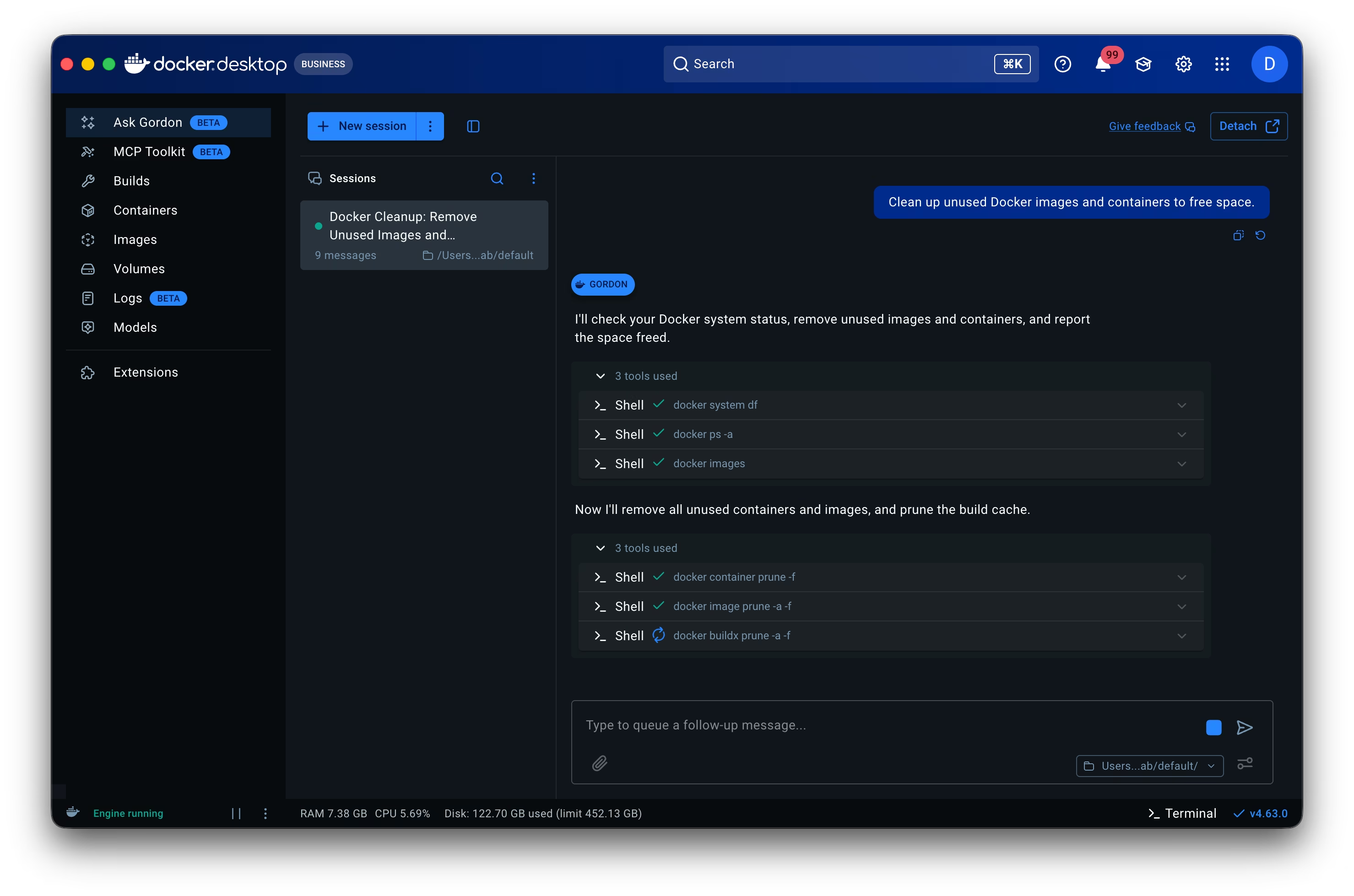
Review Gordon's proposed actions and approve.
Open your terminal and run:
$ docker aiThis opens the Terminal User Interface (TUI) for Gordon.
Type a question: "what containers are running?" and press Enter.
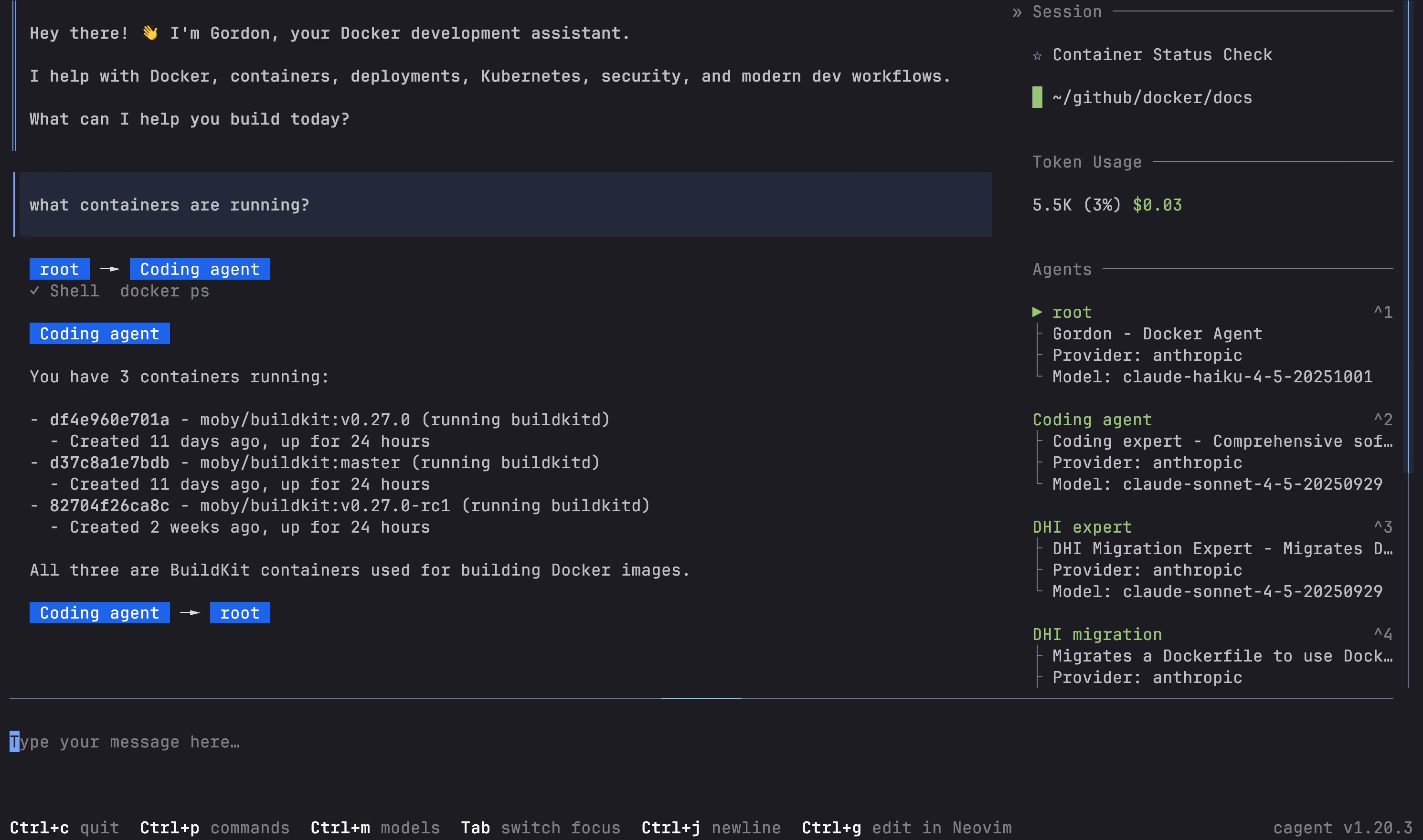
Review Gordon's proposed actions and approve by typing
y.
Permissions
By default, Gordon asks for approval before executing actions. You can approve individual actions or allow all actions for the current session.
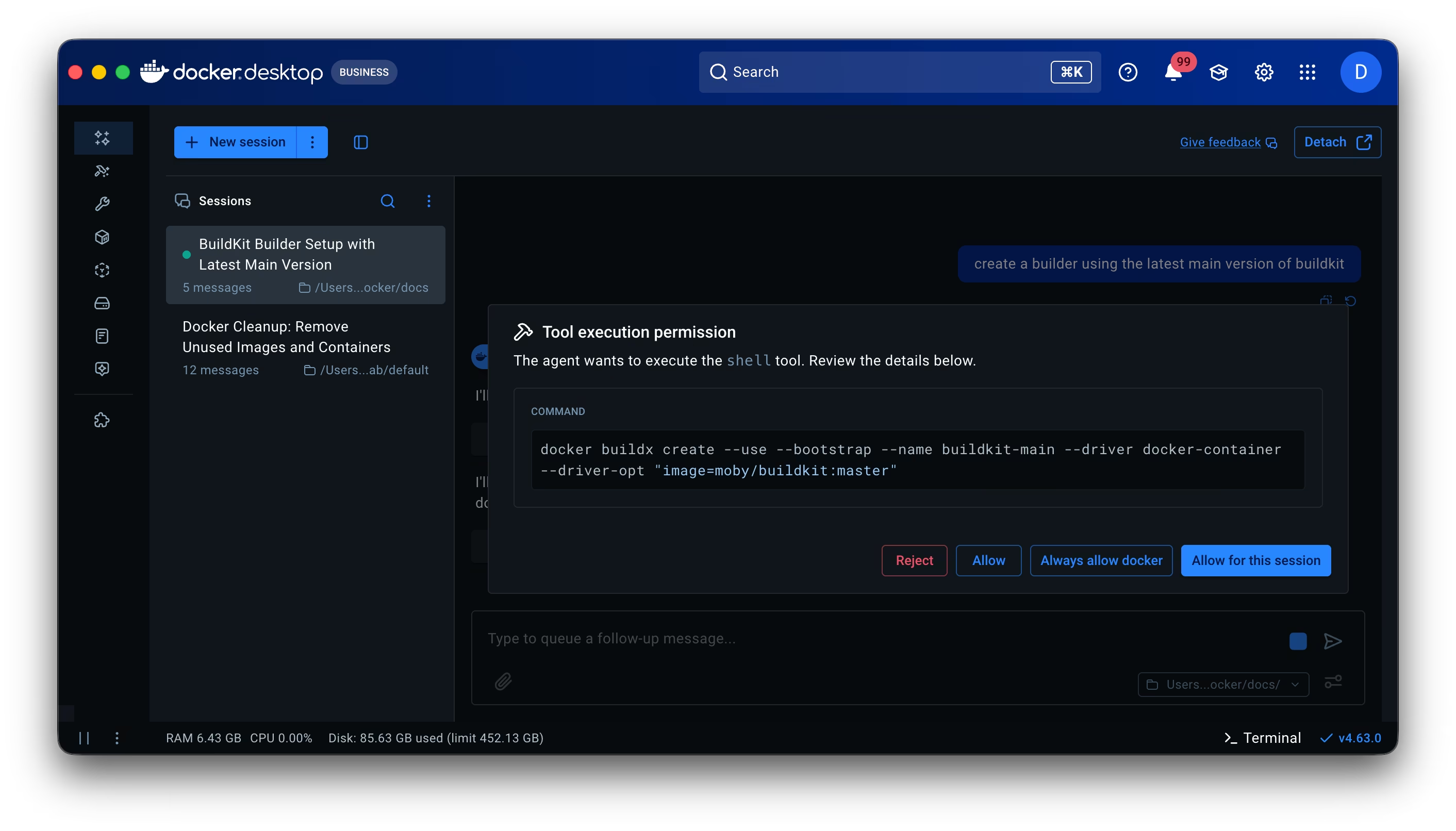
Permissions reset for each session. To configure default permissions or enable auto-approve mode, see Permissions.
Try these examples
Container inspection:
$ docker ai "show me logs from my nginx container"
Dockerfile review:
$ docker ai "review my Dockerfile for best practices"
Image management:
$ docker ai "list my local images and their sizes"